Social Media and Streaming
Most methods of social media and streaming are owned by our corporate overlords. While switching to independent services like Peertube, Odysee, Upscrolled, and more would be better over all, using the following services can help you escape big tech while staying connected. You have numerous options of taking control when it comes to continuing to use corporate platforms. Most big platforms will have some form of community-maintained third party client or a modded version, with the client allowing you to give even less data to the companies and both of them doing things like blocking ads and giving you nice features. Depending on how far you want to go with privacy and distancing yourself, you have a few choices. r/Piracy is also a very good resource.
Trying to move away from social media as much as possible is also a good move, for ethical reasons and just for your mental health. I believe that if you are going to allow yourself to use social media platforms despite the harm their owners cause, you have a duty to use their platforms to speak out. Don't let your peers forget about issues like the impending climate apocalypse between doomscrolls. Don't get stuck doomscrolling yourself. Use the machines to stop the machine. I found the best results by using NewPipe over the YouTube app, that way I only watch videos from accounts I'm subscribed to, and using certain patches for Instagram ReVanced that way I can still engage with friends, family, and creators I like while not falling into the trap of doomscrolling.
Use ReVanced if you just want to block ads and get useful features. They provide modded versions of the apps for Android, so you're still supporting the companies quite a bit. Use a third party client if you want to give as little data as possible to them, but it'll generally be a worse experience than the real thing. For YouTube specifically, I personally use Invidious on desktop and NewPipe on mobile. For music I use a mix of Monochrome and yt-dlp. For everything else, I use ReVanced.
See also: Block Everyone
YouTube Clients
Grayjay
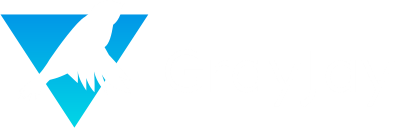
Grayjay is a unified feed for lots of social platforms, with an emphasis on user control. You can block ads while only seeing the content you want to see from people you want to see, preventing you from falling into the trap of doomscrolling. Use it if you're on Android and want to spend less time online in general. It is open-source. Android only.
Invidious
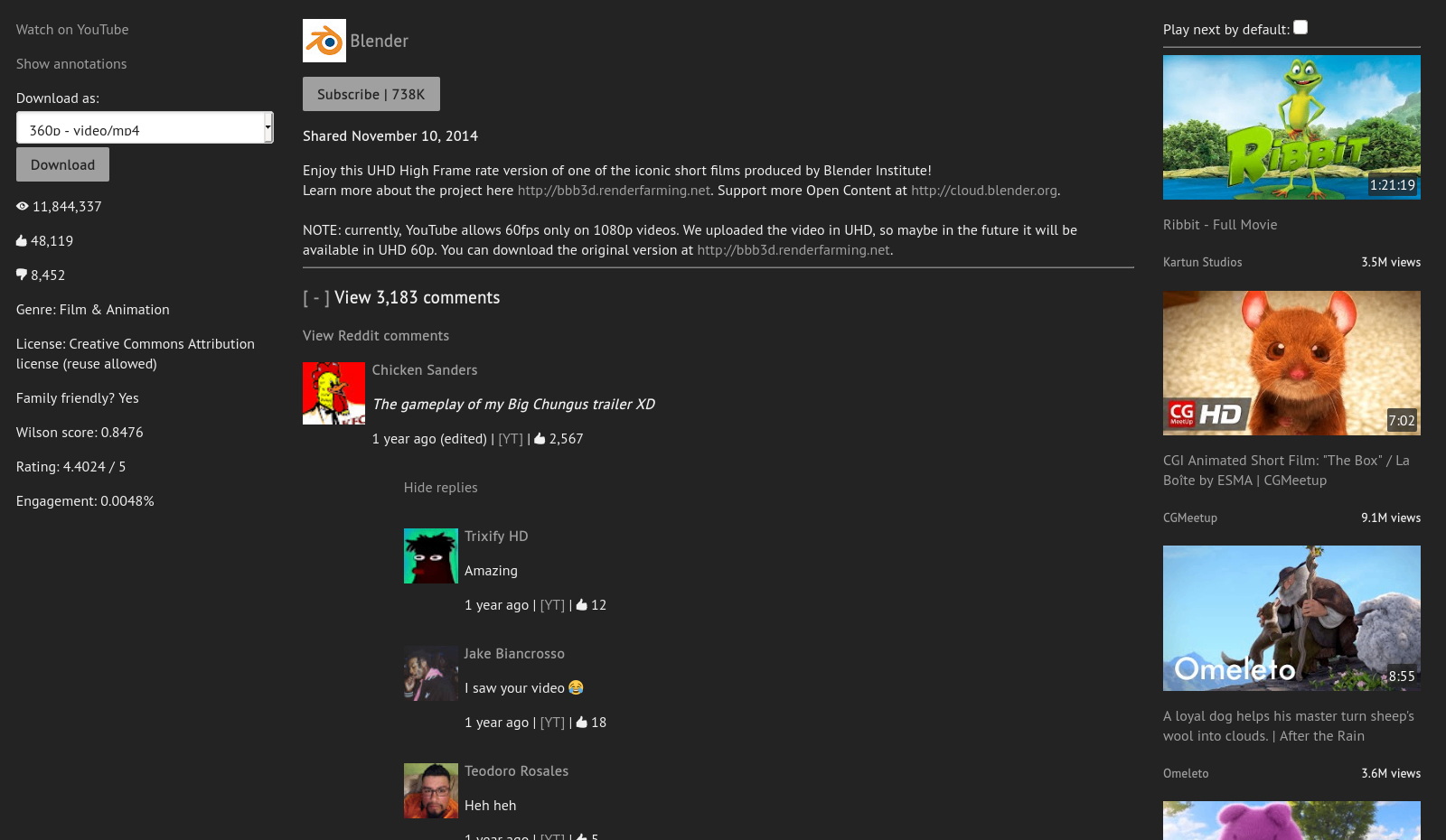
Invidious is a web-based third-party client for YouTube. Use it if you're not on Android or if you're on a browser. It operates under the instance model, meaning anyone can host their own instance of Invidious and that you'll need to find one to use. You can easily see the current instances on Invidious's documentation and redirect pages. Free and open-source. Available from any web browser.
Since it is web based, you can use it to share links. It's possible something happens to the instance you pick, so don't get too attached and don't link to them directly. You can link to https://redirect.invidious.io/ instead - just add the link contents after the slash (/). That way, whoever clicks the link can pick what instance to use even if one of them goes down. Instead of linking to YouTube on this site for things like sources, I linked to it.
You can use an extension like Redirector to automatically redirect YouTube links to Invidious.
Free and open-source.
Available on most mobile and PC platforms.
Two simple redirects for this extension would look like:
Example URL: https://www.youtube.com/watch?v=dQw4w9WgXcQ and https://youtu.be/watch?v=dQw4w9WgXcQ
Include pattern: https://www.youtube.com/* and https://youtu.be/*
Redirect to: https://redirect.invidious.io/$1
Pattern type: Wildcard
You can still use the SponsorBlock extension to skip sponsored segments of videos. It is also available on the normal YouTube site and on ReVanced. Free and open-source. Available on most mobile and PC platforms.
NewPipe
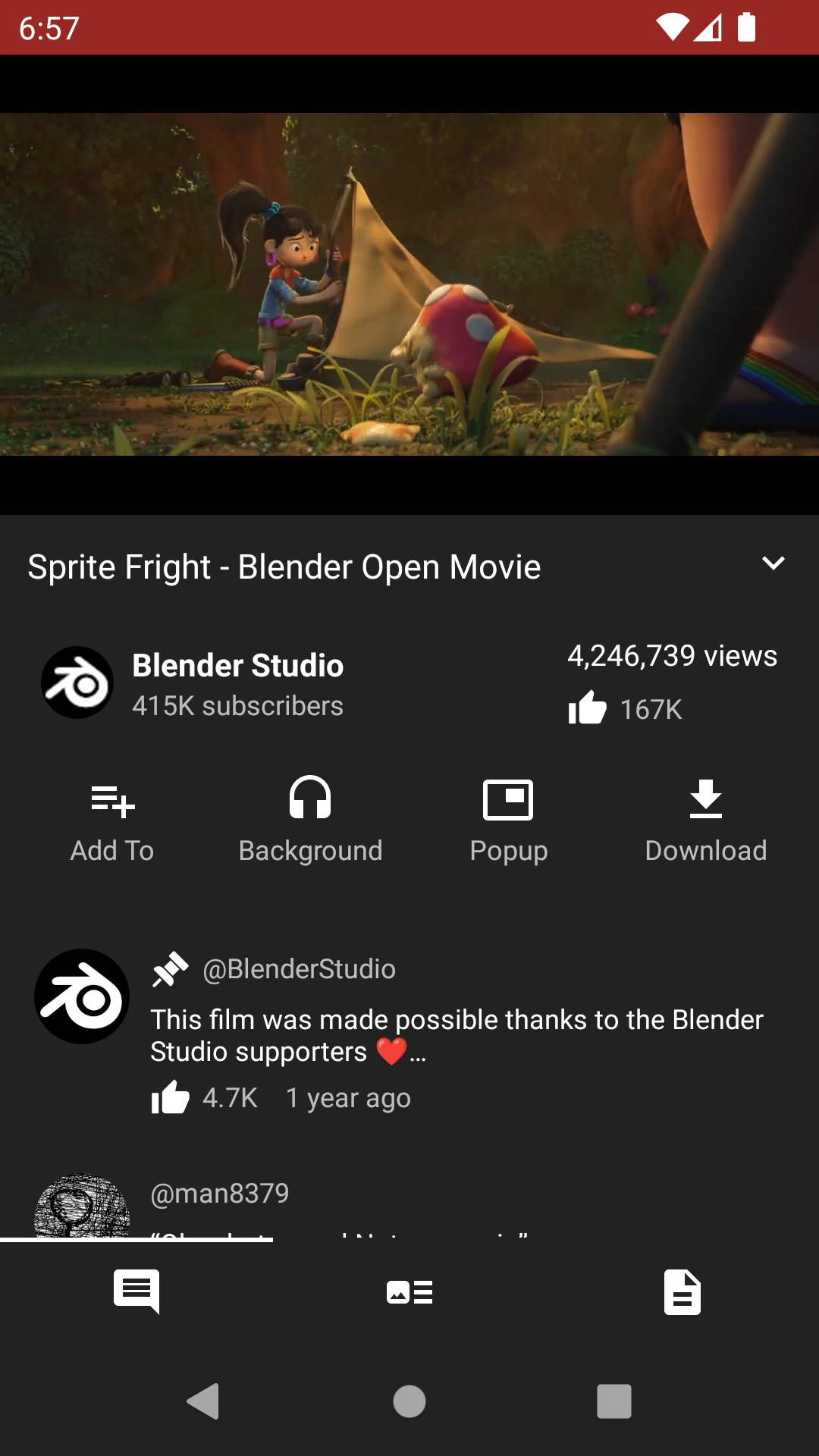
NewPipe is a third-party client for YouTube and other apps. Use it if you're on Android. It blocks ads and allows for the downloading of content directly to your device. Note that it does not have a recommendation algorithm. It is free and open-source. Only available on Android.
Music Streaming
To be upfront, not using an ad-filled corporation backed streaming service for music is difficult. Music is such a fragmented industry that's all over the place; there isn't one platform you need to listen to music on. Whenever a good alternative comes up, it normally shuts down for one reason or another soon after. I recommend Metrolist, a third-party client for YouTube Music (Android only). For downloading, I recommend yt-dlp and SpotiFLAC to download tracks (desktop only). I also recommend SQUID.WTF as a good resource (from any browser). I don't recommend Spotify ReVanced, as they are constantly coming up with new updates that break the app to the point where you would need to repatch it every other day. All are free and open-source
yt-dlp
You can download video or music via yt-dlp using the link to the thing you want to download on various platforms, including YouTube and SoundCloud. It is a command line tool, but there are fan made UIs made for it. I recommend Parabolic. Free and open-source. Available on most PC platforms.
If using it for music, you can then use Mp3tag to tag those music files with information about the tracks, like artists and albums. Make sure the files are in mp3 before tagging. You can use the Tag Sources tab to automatically do it for you. Free available on Mac and Windows. You can use Ben Dodson's iTunes Artwork Finder to find high quality album art. For the music player, I recommend Metro. Free and open-source. Available on Android.
ReVanced
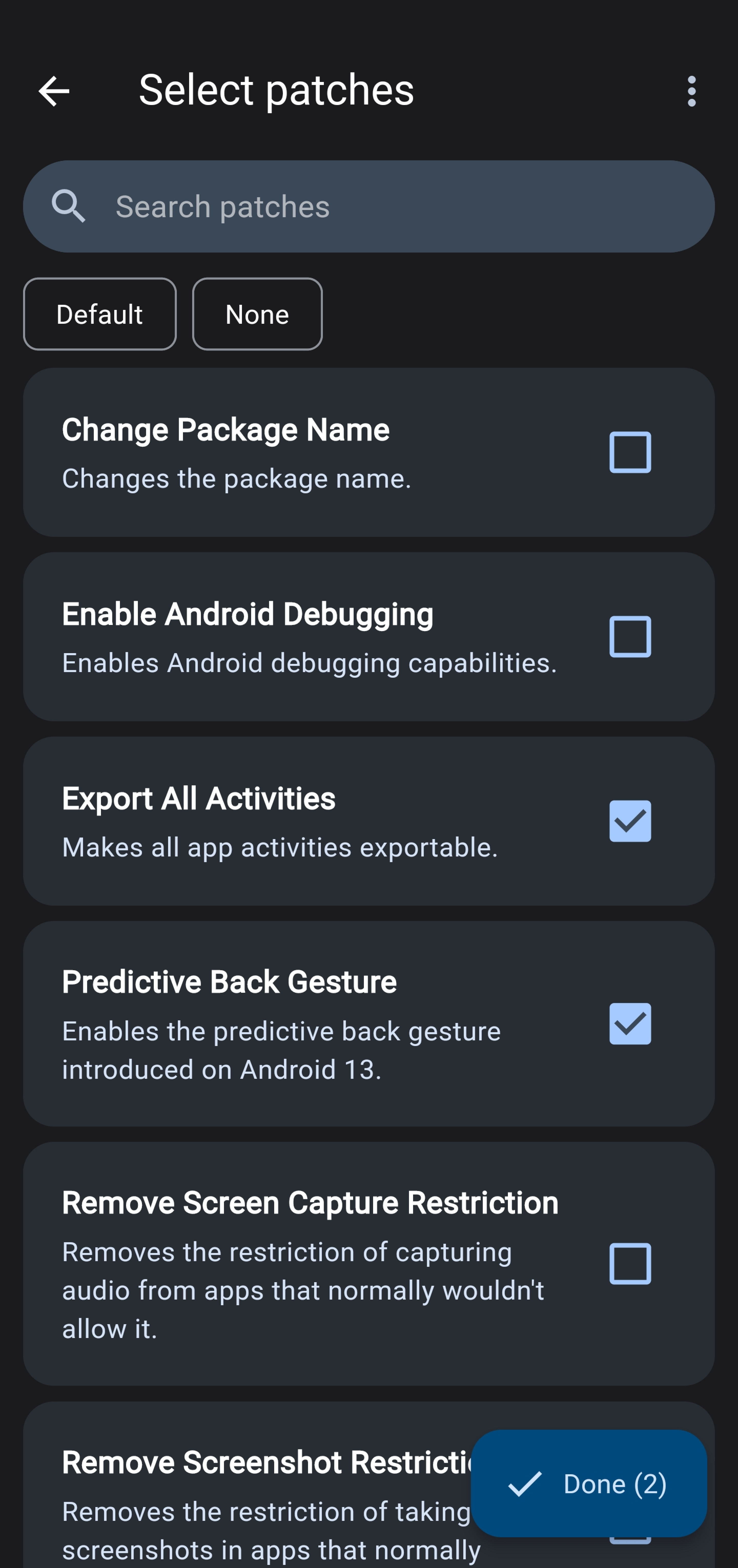
ReVanced allows for you to essentially mod the apps of various platforms like YouTube, Instagram, Spotify, TikTok, or even Duolingo. On top of blocking ads, the mods often give you premium features or useful settings, like SponsorBlock and the ability to download videos to your device on YouTube or limiting your feed to followed profiles on Instagram.
It can also be helpful in helping yourself to not use social media as much. In order to still be connected while not spending as much time on the platform, the patches I recommend for Instagram are "Hide explore feed", "Limit feed to followed profiles", "Hide navigation buttons" > "Hide Reels", and "Disable Reels scrolling". Enabling these will mean you can still see things your friends send you or that your favorite creators post, but you won't be able to doomscroll.
You need to use apks (app files) from the internet to modify them. ReVanced allows you to automatically get one from APKMirror. If it doesn't work, you can manually download one from online. If the app you download is in the apkm format, to use it you may need to split it using AntiSplit M. Sometimes the apps may break when the platforms release new updates. If that happens, just re-patch it. It is free and open-source. It is sadly only available on Android.